
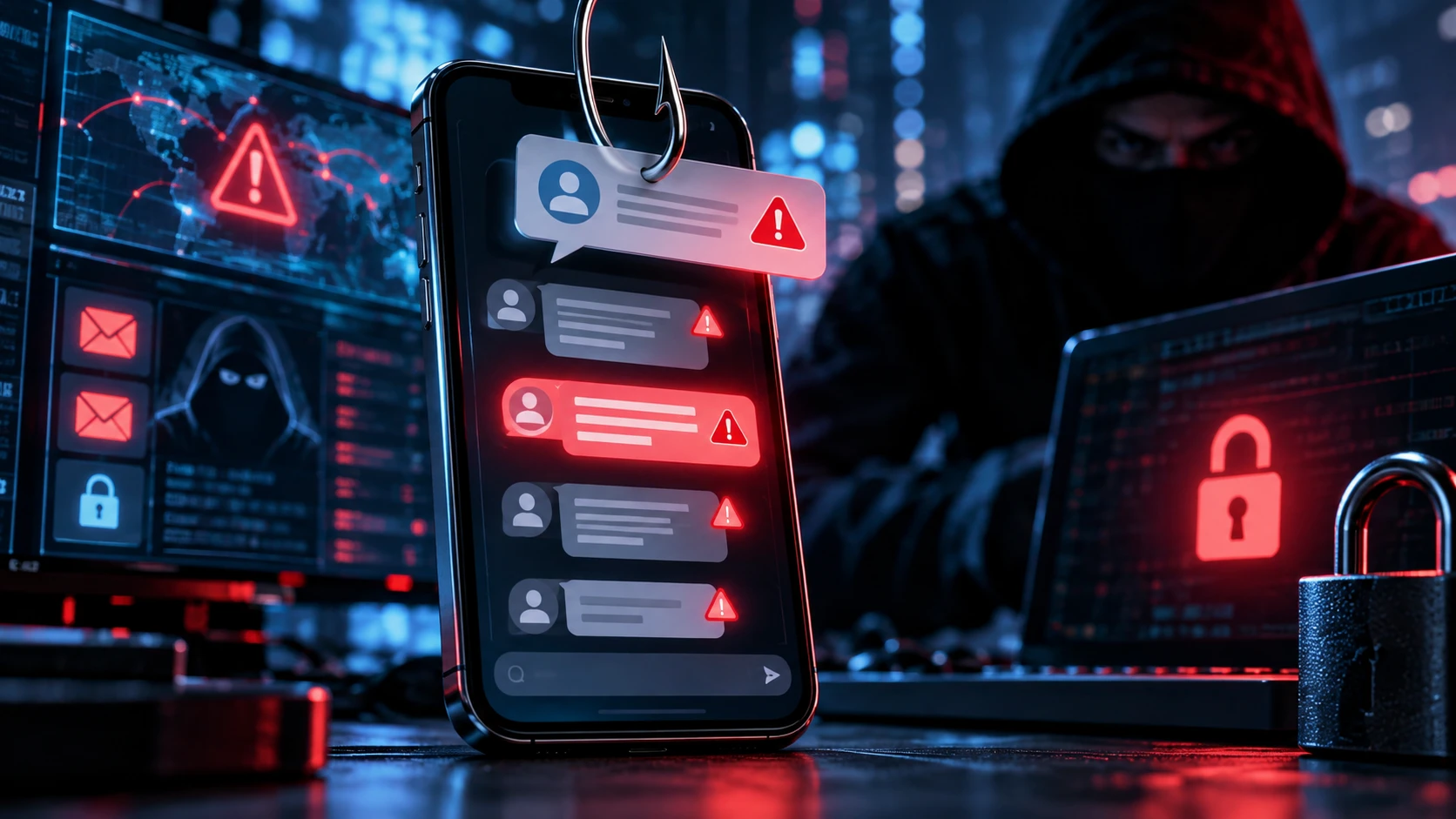
Smishing is a form of cyber attack that uses text messages to trick people into revealing sensitive information, clicking malicious links, sending money, or taking another risky action. The term combines “SMS” and “phishing,” although similar attacks can also appear through other mobile messaging channels. Attackers rely heavily on trust, urgency, curiosity, and fear rather than technical hacking alone.
A smishing message may pretend to come from a bank, delivery company, government agency, employer, online store, or another familiar organization. The message might claim that a payment failed, a package is waiting, or an account will be suspended. Victims are then encouraged to click a link, call a number, or provide personal information.
Because people often check text messages quickly, smishing can be surprisingly effective. Small phone screens also make suspicious URLs and sender information harder to inspect carefully. Understanding how smishing works, recognizing common warning signs, and knowing what to do after receiving a suspicious message can significantly reduce the risk of account theft, fraud, and malware infections.
What Does Smishing Mean in Cyber Security?
Smishing is a social engineering attack delivered through SMS or similar mobile messaging channels. Instead of directly breaking into a system, the attacker tries to persuade the recipient to perform an action that benefits them. That action might involve clicking a malicious website, entering login credentials, revealing a one-time code, or making a fraudulent payment.
The attack usually depends on impersonation. Criminals may claim to represent a trusted bank, courier service, tax authority, technology company, or even someone from the victim’s workplace. By creating a believable situation, they hope the recipient acts before stopping to confirm whether the request is genuine.
Smishing belongs to the broader phishing family of attacks. Traditional phishing commonly uses email, while smishing targets mobile messaging and vishing uses voice calls. Although the delivery method changes, the basic objective remains similar: manipulate people into giving attackers access to information, accounts, money, or systems.
How Does a Smishing Attack Work?
A typical smishing attack begins when the victim receives an unexpected message designed to attract immediate attention. It may say that suspicious activity was detected, a delivery failed, or a financial transaction requires confirmation. The attacker usually creates urgency so the recipient feels pressure to respond without carefully checking the message.
The text often includes a link leading to a fake website that closely resembles a legitimate login page. Victims may be asked to enter usernames, passwords, credit card numbers, banking details, or verification codes. Once the information is submitted, the attacker can collect it and potentially use it to access the real account.
Some smishing campaigns use phone numbers instead of links. The victim may be instructed to call a supposed customer support line where a scammer requests sensitive information. Other attacks encourage users to install malicious applications, approve fraudulent transactions, or provide authentication codes that allow criminals to bypass additional account protections.
Common Examples of Smishing Messages
Banking alerts are among the most recognizable smishing examples. A message may claim that a large payment was attempted and instruct the recipient to click a link immediately if they did not authorize it. The fake website then asks for banking credentials, card information, or security codes under the appearance of protecting the account.
Delivery scams are also common because many people regularly receive packages. A text might say that a parcel could not be delivered because an address is incomplete or a small fee must be paid. The link may lead to a fraudulent payment form designed to steal card information and other personal details.
Other examples include fake tax refunds, unpaid road charges, job offers, account suspension warnings, prize notifications, and mobile service problems. Attackers frequently adapt messages to current events or popular services. The exact story can change, but the underlying method usually involves creating a believable reason for the recipient to act quickly.
How to Recognize a Smishing Attack
Unexpected urgency is one of the strongest warning signs. Be cautious when a message says your account will be closed, a payment must be confirmed immediately, or you have only a few minutes to respond. Legitimate organizations may send important alerts, but criminals deliberately use urgency to reduce the time you spend evaluating the request.
Suspicious links are another common indicator. A domain may contain misspellings, additional words, shortened URLs, unusual characters, or an address that looks similar to a legitimate company without actually belonging to it. Avoid assuming a message is authentic simply because it includes a familiar brand name or logo on the linked page.
Requests for passwords, one-time verification codes, PINs, or complete payment information should also raise concern. Reputable organizations generally do not ask customers to send sensitive credentials through ordinary text messages. If a message seems important, open the company’s official app or website independently instead of using the link included in the text.
Why Smishing Attacks Can Be Effective
People often treat text messages differently from email. A mobile notification feels immediate and personal, and many users read texts within seconds of receiving them. This quick interaction creates an opportunity for attackers to trigger an emotional response before the recipient has time to question whether the message actually makes sense.
Mobile screens can also make verification more difficult. Long website addresses may be shortened or partially hidden, while users have less space to inspect links and page details. Someone who would carefully examine a suspicious email on a desktop computer may tap a similar message quickly when using a phone while distracted.
Attackers also exploit familiar situations. A person expecting a delivery may be more likely to believe a fake parcel message, while someone who recently used online banking may respond to a fraudulent account alert. Smishing succeeds when the message feels relevant enough to make the victim react before independently verifying the request.
Smishing vs Phishing vs Vishing
Phishing is a broad term for social engineering attacks that impersonate trusted people or organizations. Email phishing is one of the most common forms and may include malicious links, attachments, or fake login pages. Smishing uses many of the same psychological techniques but delivers the fraudulent message primarily through SMS or mobile messaging.
Vishing, short for voice phishing, uses phone calls or voice messages. Attackers may pretend to be bank representatives, technical support employees, government officials, or company executives. They attempt to persuade the victim to reveal information, transfer funds, install software, or complete another action that compromises security.
These attacks can also be combined. A victim might first receive a smishing text asking them to call a number, after which a scammer continues the attack through vishing. Understanding the communication channel is useful, but the most important skill is recognizing manipulation techniques such as impersonation, urgency, secrecy, and unusual requests.
What Can Happen If You Fall for Smishing?
Credential theft is one of the most common consequences. If you enter a username and password into a fake website, attackers may attempt to access the real account immediately. Reused passwords create additional risk because criminals can test the same credentials against email, shopping, social media, or other online services.
Financial fraud may occur when victims provide card numbers, banking information, or approve unauthorized payments. Attackers may also request one-time authentication codes, which can allow them to complete transactions or logins that would otherwise be blocked. Some scams continue after the first payment by demanding additional fees or pretending to offer recovery assistance.
Smishing can also affect businesses when employees are targeted. Stolen credentials may provide access to email, cloud platforms, company files, or internal applications. A single successful social engineering attack can therefore develop into a larger incident involving account compromise, data theft, business email fraud, or further attempts to move deeper into corporate systems.
How to Protect Yourself From Smishing
Avoid clicking unexpected links in text messages, particularly when the message creates urgency. If a bank, delivery company, or service provider appears to need your attention, open its official application or type the known website address yourself. This simple habit removes much of the risk created by fake links placed inside fraudulent messages.
Use strong, unique passwords and enable multi-factor authentication wherever possible. Authentication apps or other phishing-resistant methods can provide stronger protection than relying only on SMS verification in some situations. Additional security cannot make you completely immune to social engineering, but it can reduce what attackers can do with a stolen password.
Keep your phone and applications updated as well. Updates may fix vulnerabilities and improve protection against known security problems. You can also enable spam filtering features provided by your device or mobile carrier, although automated filtering should be treated as an additional layer rather than a replacement for careful judgment.
How Businesses Can Reduce Smishing Risk
Organizations should teach employees how smishing attacks look and what actions they should take when suspicious messages arrive. Training should include realistic examples involving password resets, payroll changes, executive impersonation, fake IT support, and urgent payment requests. Employees should have a simple method for reporting suspicious messages without fear of being blamed for asking questions.
Clear policies are equally important. Governance programs can define how sensitive information should be handled, how payments are approved, and how suspicious communication is escalated. Broader practices such as GRC in cyber security can help organizations connect security policies, risk decisions, controls, and compliance responsibilities rather than treating smishing as an isolated technical problem.
Technical protections should support those policies. Multi-factor authentication, mobile device management, identity monitoring, spam filtering, least-privilege access, and strong account recovery procedures can reduce the impact of a successful scam. Organizations should also prepare incident response procedures so security teams know what to do when an employee reports clicking a suspicious link.
What to Do If You Click a Smishing Link
If you clicked a suspicious link but did not enter information, close the page and avoid downloading anything it offered. Review whether the site requested unusual permissions or attempted to install an application. Keep your device updated and consider running appropriate security checks if you downloaded or installed anything from the suspicious page.
If you entered a password, change it immediately through the legitimate website or application. Change the password on other accounts as well if you reused the same credentials. Review active sessions, enable multi-factor authentication, and check account activity for unexpected logins or changes that you did not make.
If you provided financial information, contact the relevant bank or payment provider using an official phone number or application. Explain what happened and follow their fraud-prevention instructions. Business users should also report the incident to their organization’s IT or security team quickly because early reporting can help limit unauthorized access or additional attacks.
Best Practices for Avoiding Future Smishing Scams
Develop a habit of verifying unexpected requests through a second channel. If a text claims to come from your bank, use the official banking app. If a coworker requests an urgent payment, contact them through a known company communication method rather than replying directly to the suspicious message.
Never share authentication codes with someone who contacts you unexpectedly. These codes are often the final barrier preventing criminals from accessing an account. Attackers may claim that the code is needed to cancel fraud or verify your identity, but providing it can actually authorize the very activity they pretend to be stopping.
Finally, avoid assuming that you are too experienced to fall for smishing. Effective scams are designed to exploit timing, distraction, fear, and familiarity rather than lack of intelligence. Slowing down for a few seconds, checking the sender’s claim independently, and questioning unusual requests remain some of the most practical defenses against mobile social engineering attacks.
Conclusion
Smishing is a social engineering attack that uses text messages or similar mobile communication to trick people into revealing information or taking unsafe actions. Attackers frequently impersonate banks, delivery companies, employers, government organizations, and other trusted services. Their messages commonly rely on urgency, fear, curiosity, or financial incentives.
The best defense is to avoid reacting directly to unexpected messages. Do not click suspicious links, provide passwords, share verification codes, or send payments without confirming the request independently. Strong account security, multi-factor authentication, software updates, and spam filtering can provide additional layers of protection.
Businesses should combine employee awareness with technical controls, clear policies, and incident response procedures. Individuals should also report suspicious activity quickly when they believe an account or payment information has been compromised. Recognizing common smishing tactics and developing careful verification habits can significantly reduce the chances of becoming a victim.
FAQs
What does smishing stand for in cyber security?
Smishing combines the words SMS and phishing. It describes social engineering attacks that use text messages or similar mobile communication to trick victims into revealing information, clicking malicious links, or making fraudulent payments.
What is an example of smishing?
A fake delivery message saying your package cannot be delivered until you pay a small fee is a common example. The included link may lead to a fraudulent website designed to steal payment information.
Is smishing the same as phishing?
Smishing is a type of phishing that primarily uses SMS or mobile messages. Traditional phishing is commonly associated with email, while both attacks use impersonation and psychological manipulation to convince victims to take risky actions.
What should I do with a suspicious text message?
Do not click its links or reply with personal information. Verify the claim through the organization’s official app, website, or known phone number, then report or block the suspicious sender when appropriate.
Can smishing install malware on my phone?
Some smishing campaigns attempt to convince victims to download malicious applications or files. Clicking a link does not always install malware automatically, but downloading unknown software or granting suspicious permissions can significantly increase the risk.